
Table of Contents
About KPSC Thulasi
Last Updated: May 04, 2026
Navigating the Kerala PSC Thulasi portal is the first and most critical step for any government job aspirant in Kerala. Whether you are applying for the latest LDC batch, Degree Level Prelims, or University Assistant posts, your One Time Registration (OTR) profile is your digital identity.
This guide provides the direct official links and expert troubleshooting steps to ensure your application is never rejected.
The Quick-Access Hub
If you are looking for the official login page, use the verified link below:
Action | Official Link / Method |
| Direct Login Portal | Click Here to Access Thulasi Login |
| New Registration | Start One Time Registration (OTR) |
| Portal Status | Online & Active |
Are you ready for the next PSC Notification?
Simply logging in isn't enough - you need to be on the Rank List. Our 2026 Strategic Prep Batches are now open!
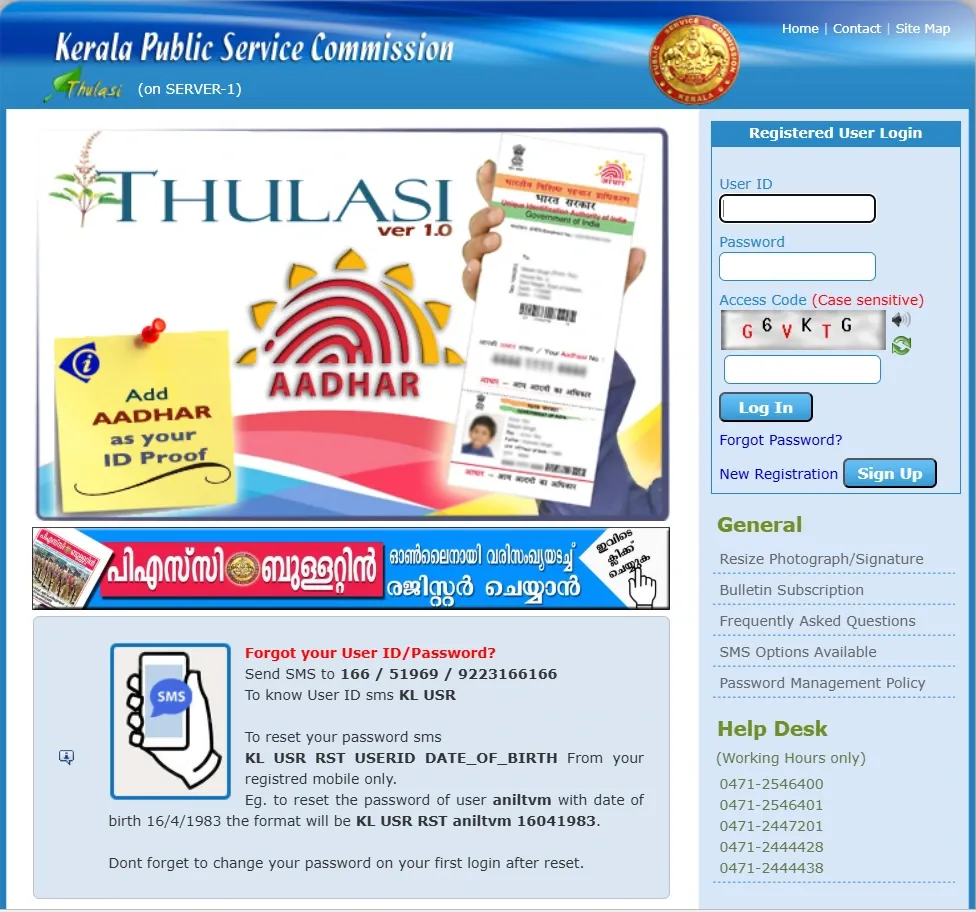
How to Login to your Kerala PSC Profile (Step-by-Step)
- Visit Thulasi: Go to the official Thulasi Website.
- Enter Credentials: Use your unique User ID and Password.
- Security Code: Carefully type the Access Code (Captcha) shown on the screen.
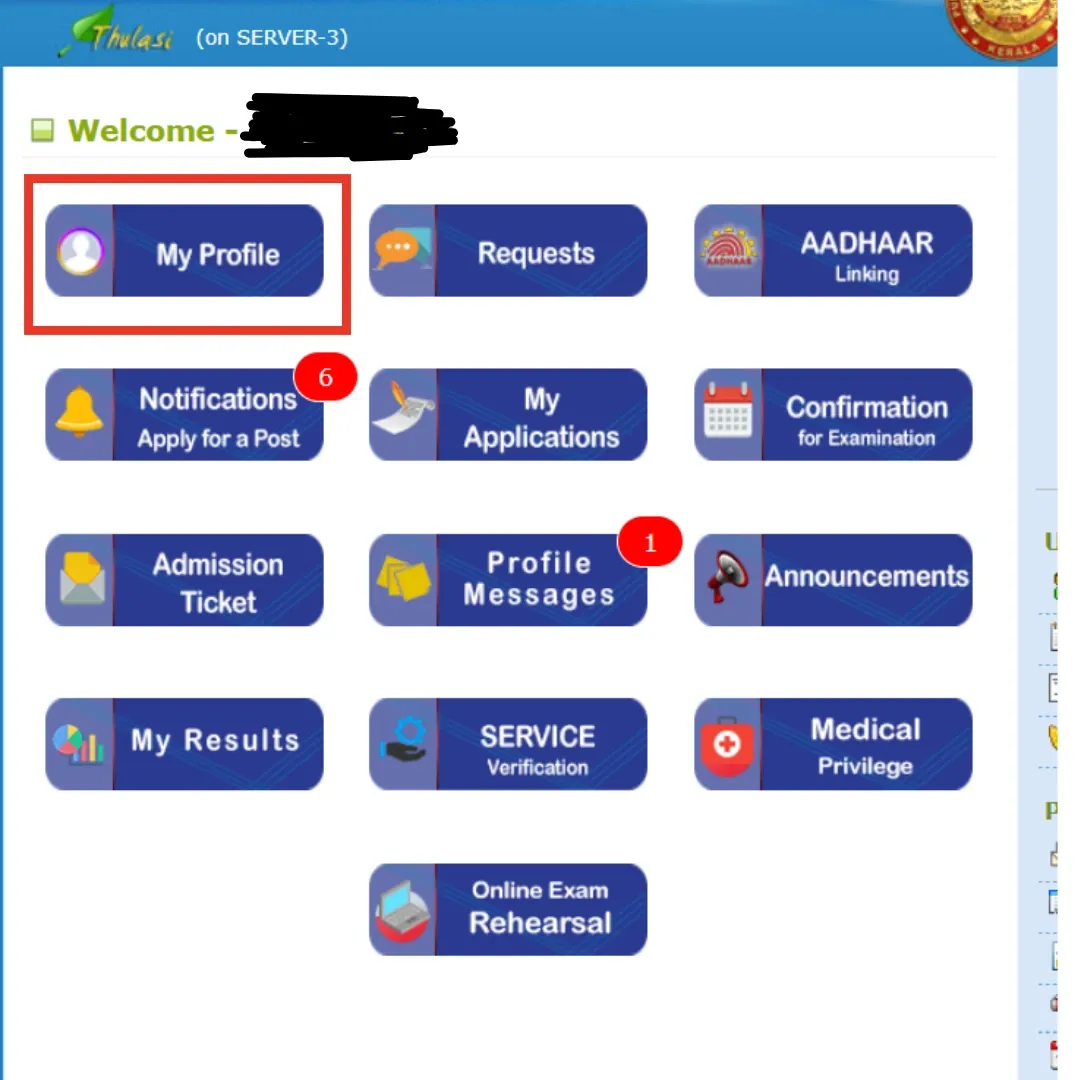
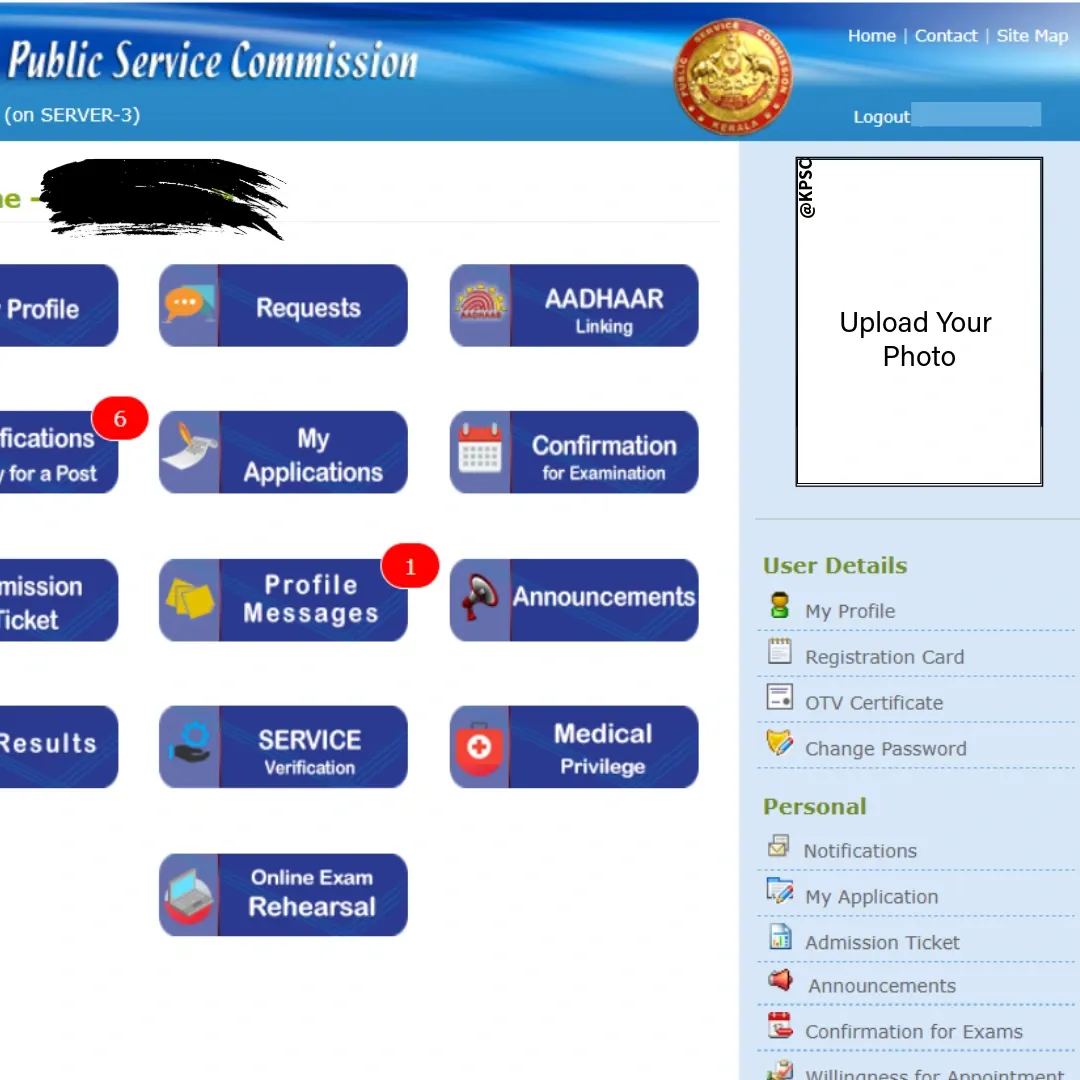
- Dashboard: Once inside, you will see your "My Profile" page where notifications and hall tickets are managed.
Mandatory 2026 Updates: Aadhaar & Photo Rules
To keep your profile active in 2026, ensure these two requirements are met:
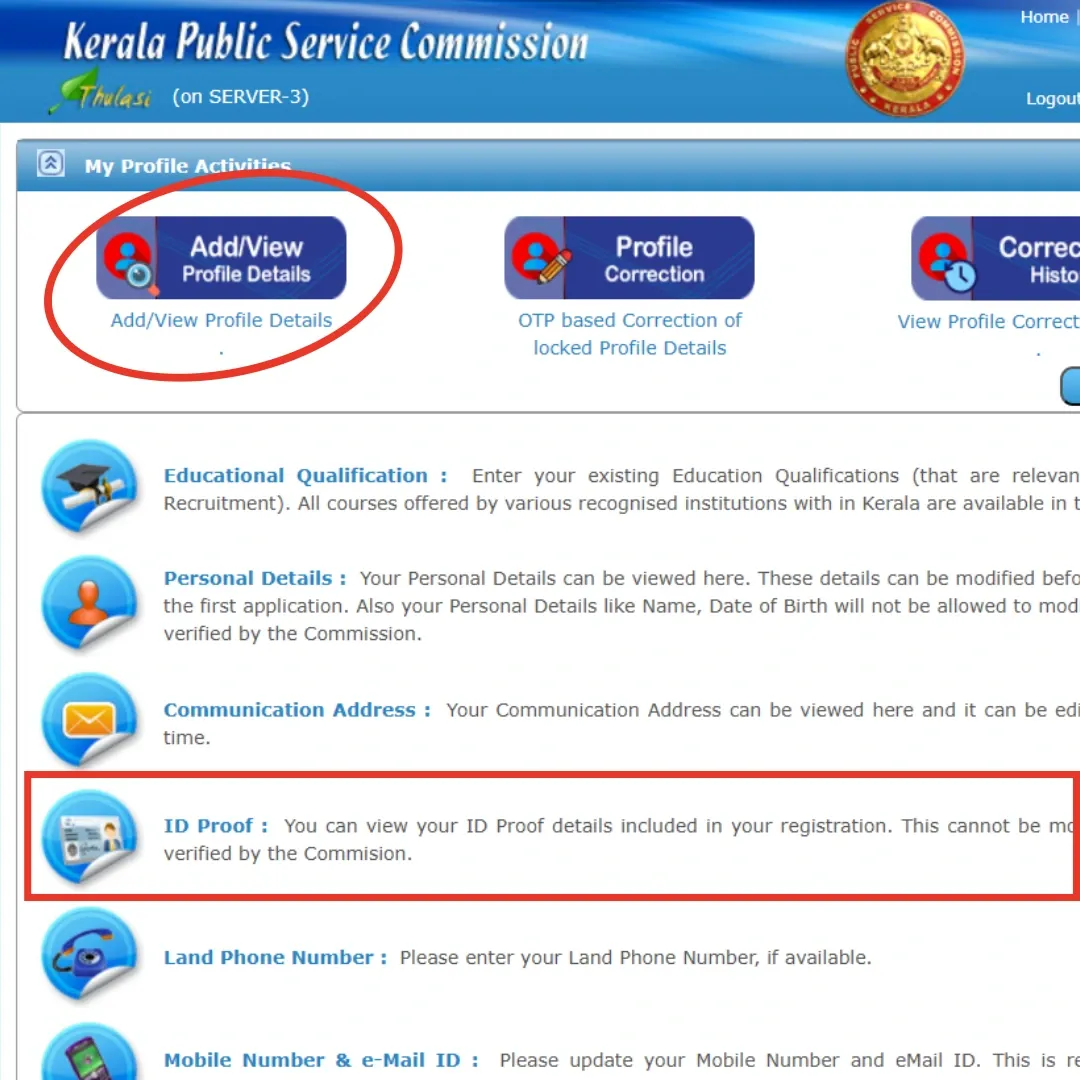
- Aadhaar Linking: It is now mandatory to add your Aadhaar as "ID Proof." Go to Profile > ID Proof to verify.
- The 10-Year Rule: Photographs uploaded before 2016 are no longer valid. If your "Apply Now" button is disabled, you likely need to upload a fresh photo with your Name and Date of Photo printed at the bottom
- Photo Specs: 150px (W) x 200px (H), Max 30KB, JPG format.
- Signature Specs: 150px (W) x 100px (H), Max 30KB.
SMS Shortcuts for Password & User ID Recovery
If you cannot log in, use these official SMS codes from your registered mobile number:
- To know your User ID: SMS KL USR to 166 / 51969 / 9223166166.
- To reset your Password: SMS KL USR RST [Your User ID] [Date Of Birth] to the numbers above.
- Example: If your User ID is Arun and DOB is 15/05/1995, SMS: KL USR RST Arun 15051995
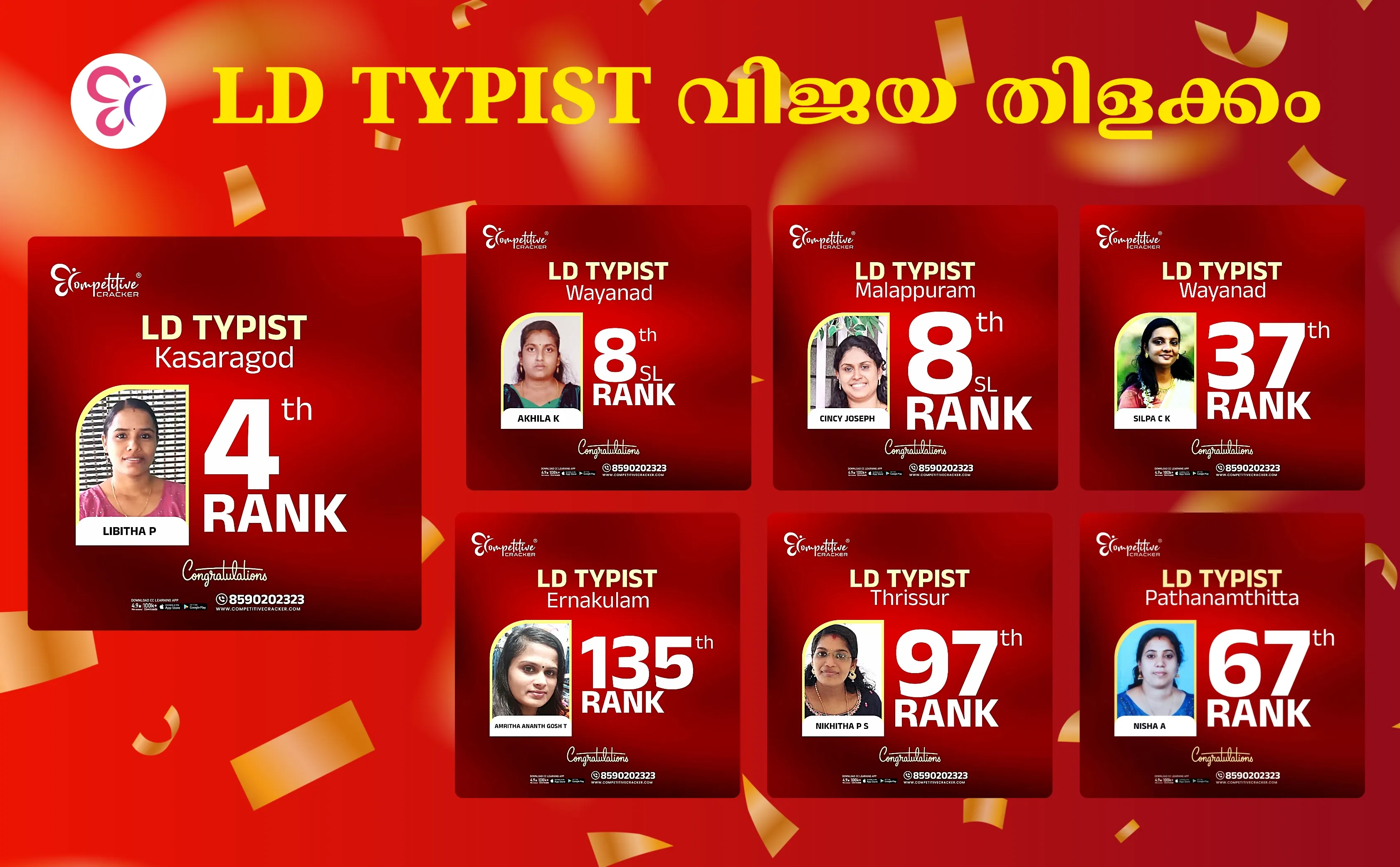
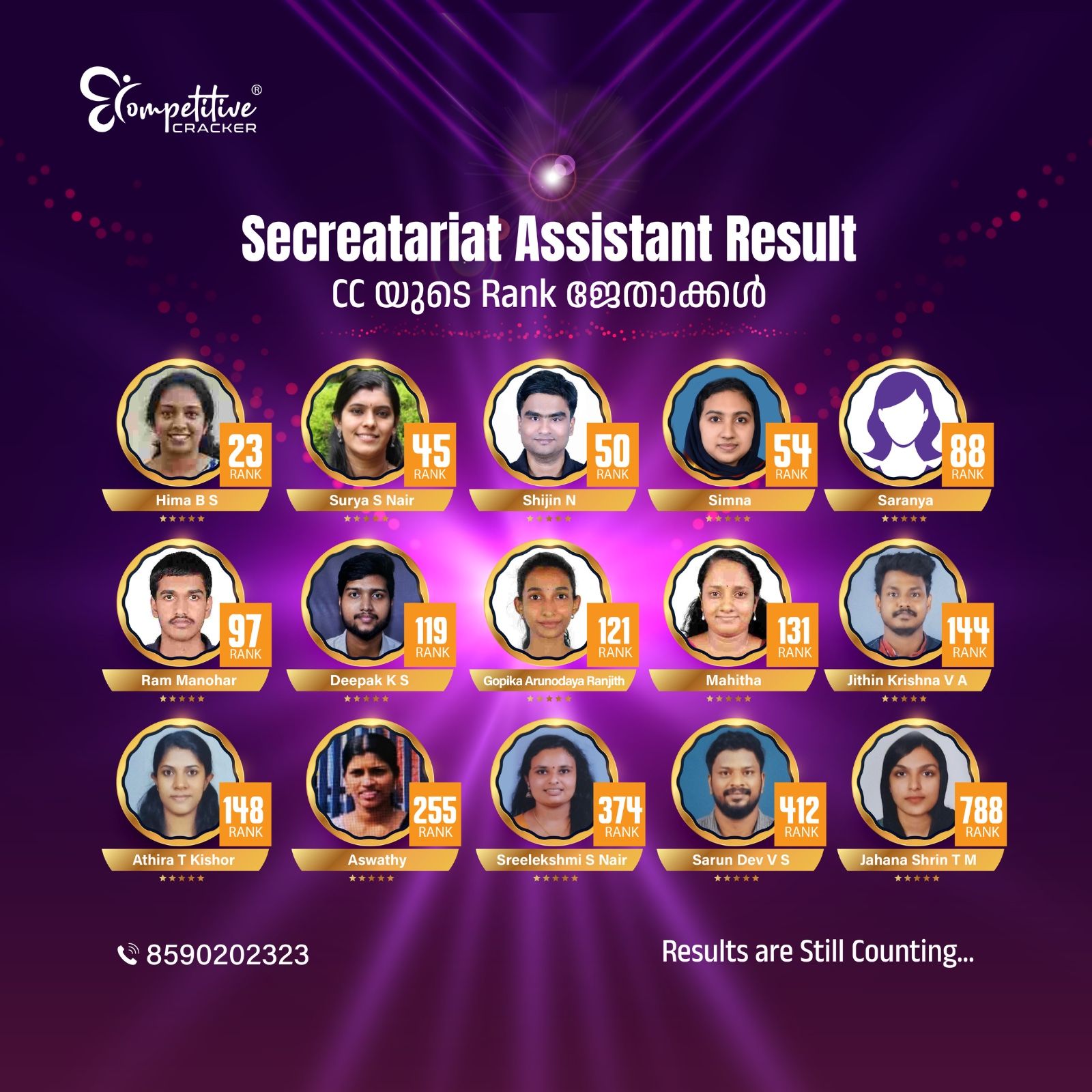
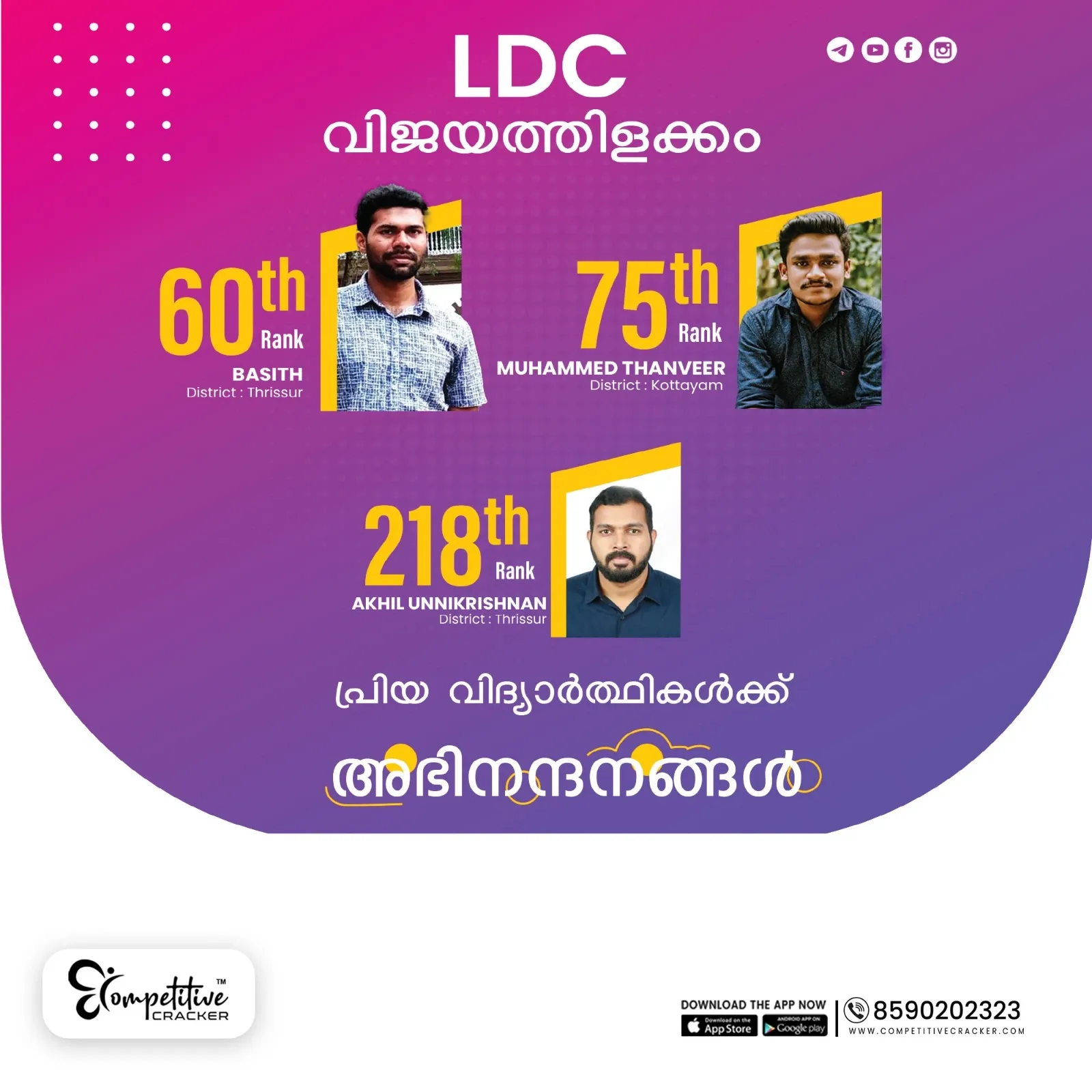
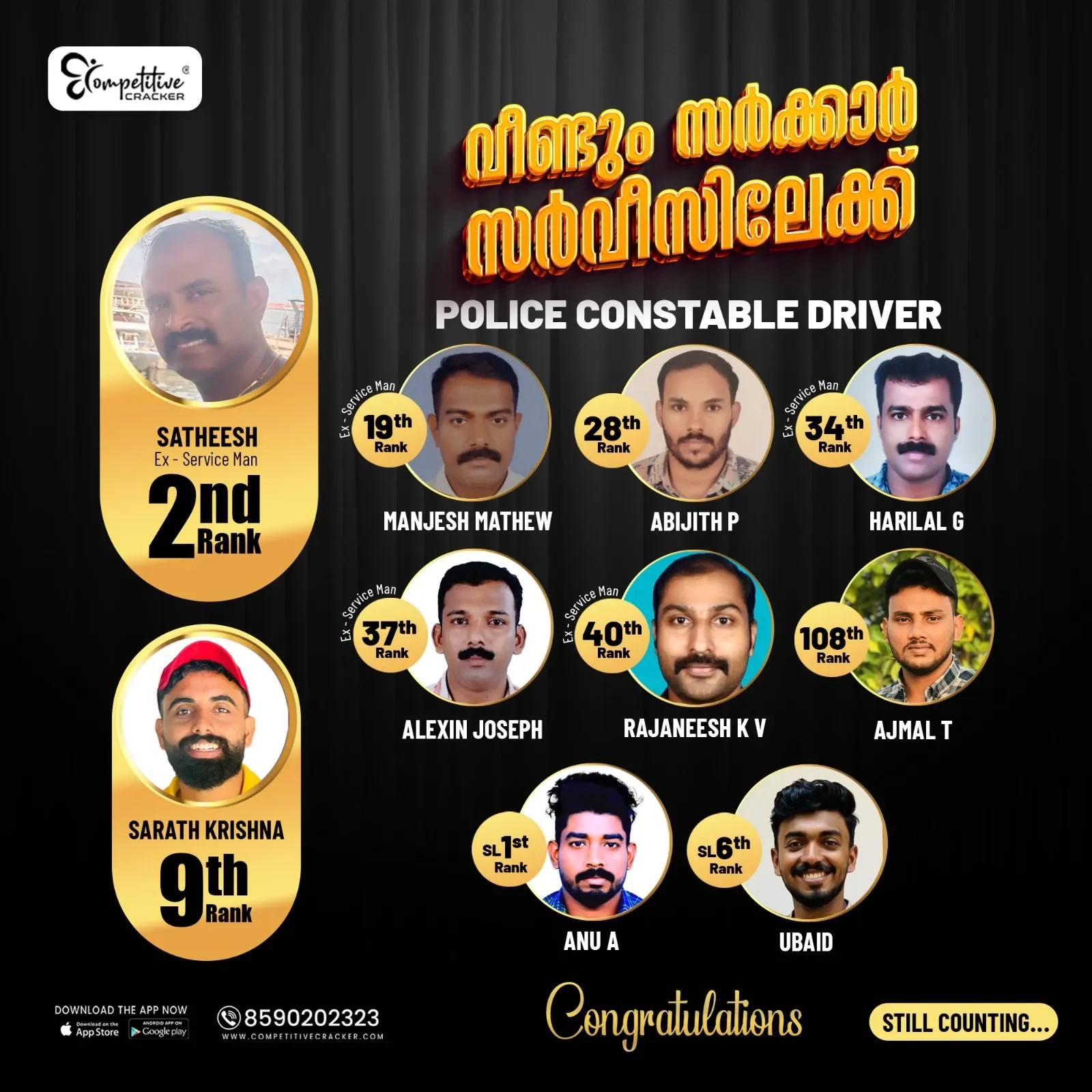
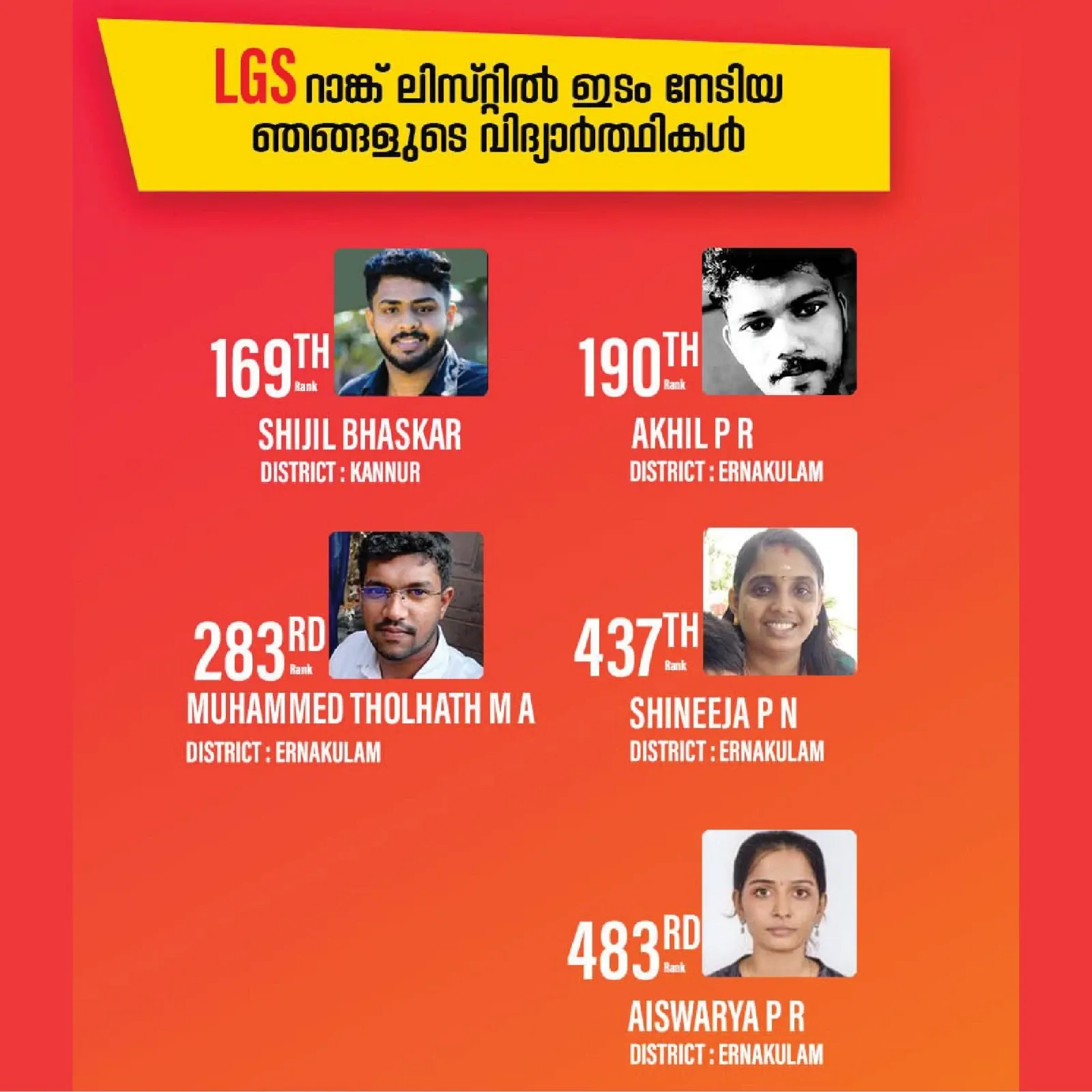
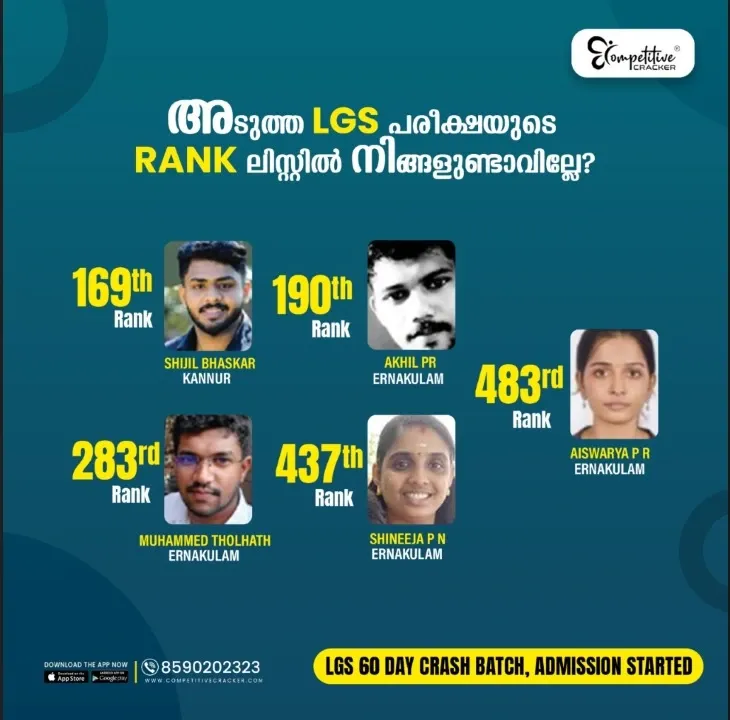
Proven Success: Competitive Cracker Kerala PSC Results & Success Milestones
Explore the verified success stories of aspirants who turned their dreams into reality. Our consistent presence in the latest Kerala PSC Rank Lists reflects a high success rate built on expert-led strategies. See how our structured coaching consistently produces top-tier results across various government exam categories.
Frequently Asked Questions
1. Why is my "Apply Now" button not showing?
Check if your photo has expired (10-year rule) or if you haven't added the required educational qualification for that specific category code.
2. Can I change my mobile number in PSC Thulasi?
Yes, you can update it via the "Profile" section, but you must verify the new number with an OTP.
3. What is the official website for Kerala PSC?
The main site is keralapsc.gov.in, but for login and applications, you must use thulasi.psc.kerala.gov.in.
Notifications
Trending Updates



Related Blogs
April 27, 2026
Kerala PSC BEVCO LDC Exam Date 2026 Announced! Submit Confirmation
6 minute read
October 1, 2026
Kerala PSC Exam Calendar 2026: Month-wise Schedule & PDF
31 minute read
April 25, 2026
Kerala PSC Company Board LGS Exam Date 2026 : Submit Your Confirmation Now!
6 minute read
April 25, 2026